LocationMe logo LocationMe

Category: Blog

Your blog category

  • How Accurate Is Phone GPS? (Explained Simply)

    How Accurate Is Phone GPS? (Explained Simply)

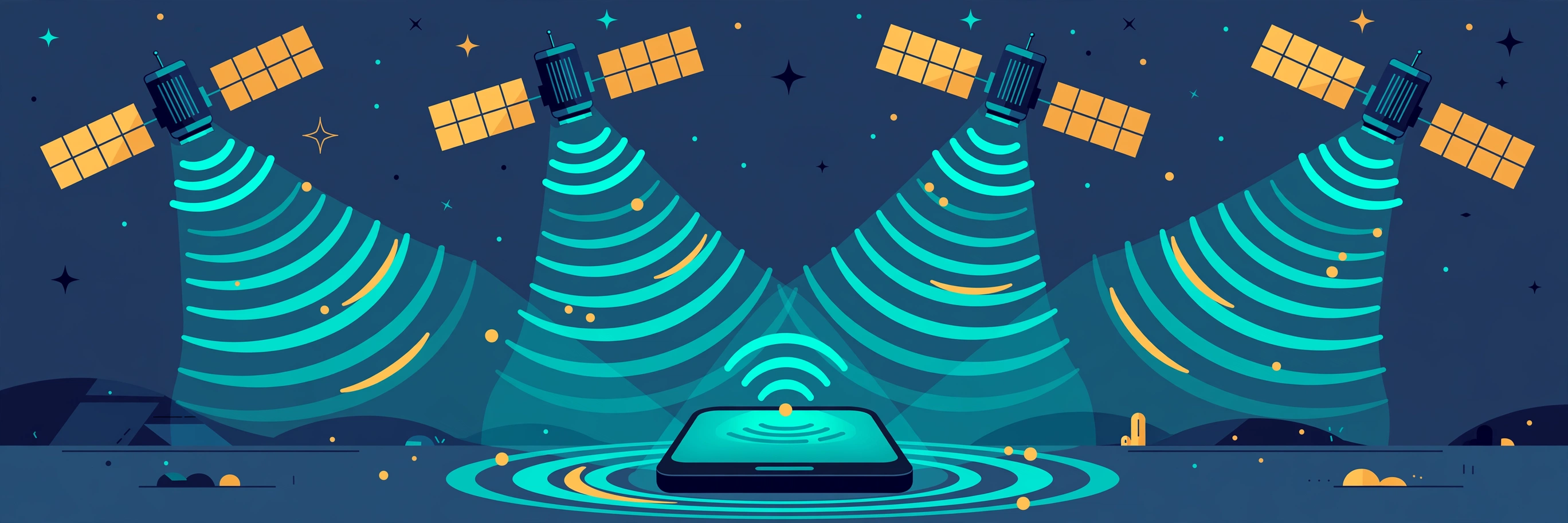
    Your phone’s GPS is usually accurate to within 5 to 10 meters outdoors. That is good enough to find a street corner, but not good enough to find a single door.

    In this guide, you will learn how phone GPS accuracy works, what affects it, and how to improve it. You will also see how GPS compares with Wi-Fi and cell tower positioning.

    How accurate is phone GPS? The short answer

    Outdoors with a clear view of the sky, a modern phone reaches 5 to 10 meters of accuracy. High-end phones with dual-frequency GPS can get within 1 to 3 meters.

    Indoors, accuracy drops sharply. Inside a concrete building, your phone may only know your position within 20 to 50 meters. In a basement or parking garage, it may fail entirely.

    In dense cities, tall buildings bounce GPS signals around before they reach you. This “urban canyon” effect can push errors to 30 meters or more. Your map may show you on the wrong side of the street.

    The number you see in apps, like “+- 8 m”, is the estimated error radius. It means the app is confident you are somewhere inside that circle, but it cannot say exactly where.

    What affects your phone GPS accuracy

    Several factors decide how close your phone gets to your true position:

    • Buildings and terrain. Skyscrapers, mountains, and dense tree cover block or reflect satellite signals.
    • Being indoors. Roofs and thick walls weaken the signal. Concrete and metal are the worst offenders.
    • Phone hardware. Newer phones with dual-frequency (L1+L5) chips are far more precise than older single-frequency models.
    • Battery saver mode. Power saving often limits GPS updates or turns the chip off to save energy.
    • Weather. Heavy storm clouds have a small effect. Normal clouds and rain barely matter.
    • Time since last fix. A phone that just woke up needs 20 to 60 seconds to lock onto satellites. Accuracy improves as the lock stabilizes.
    • Phone cases. Thick metal cases can slightly interfere with the antenna. Most plastic and silicone cases are fine.

    GPS vs Wi-Fi vs cell towers: how your phone finds you

    Your phone rarely uses GPS alone. It blends three positioning methods and picks the best available mix.

    Method Typical accuracy Works indoors Needs
    GPS satellites 5 to 10 meters Poorly Clear sky view
    Wi-Fi networks 20 to 50 meters Yes Wi-Fi turned on
    Cell towers 100 meters to several km Yes Mobile signal

    GPS is the most precise but the slowest and hungriest for battery. Wi-Fi positioning is fast and works indoors, using a database of known network locations. Cell tower positioning is the roughest, but it works almost anywhere you have signal.

    When you see a location instantly after opening a map, that first guess usually comes from Wi-Fi or cell towers. The GPS lock refines it seconds later. If you want to see your own numbers, open LocationMe and check the accuracy reading next to your coordinates.

    How to improve GPS accuracy on your phone

    Try these steps in order. Most people see a clear improvement after the first three:

    1. Go outdoors or near a window. A clear view of the sky is the single biggest factor.
    2. Turn on Wi-Fi and Bluetooth, even if you are not connected to anything. Both help with indoor positioning.
    3. Turn off battery saver mode. It throttles the GPS chip on most phones.
    4. Enable high accuracy mode (Android: Settings, Location, Location services, Google Location Accuracy, turn it on).
    5. Wait 30 to 60 seconds. Give the phone time to lock onto enough satellites.
    6. Calibrate the compass in Google Maps by tapping the blue dot and choosing Calibrate. Follow the figure-eight motion.
    7. Update your phone and maps app. Newer software includes better positioning algorithms.
    8. Restart the phone if accuracy suddenly got worse. A stuck GPS process is a common cause.

    On iPhone, also check Settings, Privacy and Security, Location Services, System Services and make sure Compass Calibration and Networking and Wireless are enabled.

    When to trust GPS and when not to

    Trust your phone GPS for driving directions, hiking trails, running routes, and finding addresses outdoors. In these cases the error of a few meters does not matter.

    Do not trust it for anything that needs centimeter precision. Property boundaries, construction staking, and scientific surveys need dedicated survey-grade receivers, not phones.

    Also treat indoor positions with suspicion. If your dot jumps between rooms or floors, your phone is guessing from Wi-Fi, not GPS. Step near a window or go outside for a true reading.

    One more caution: a VPN changes your internet location, not your GPS location. Map apps still see your real GPS position even with a VPN on. For more on the difference, see our guide on what your IP address location is.

    Does GPS drain your battery?

    Yes, the GPS chip is one of the hungriest components in your phone. An hour of active navigation can use 10 to 20 percent of battery on many phones.

    The chip drains power because it constantly listens for weak satellite signals and crunches the math to triangulate your position. The harder it works (indoors, moving fast, weak signal), the more it consumes.

    To save battery without losing navigation:

    • Close map apps when you are done. Background navigation keeps GPS alive.
    • Download offline maps for your area. Your phone then uses less mobile data, which also saves power.
    • Lower screen brightness during navigation. The screen often uses more power than GPS itself.
    • Use battery saver only when needed. Remember it reduces location accuracy, so turn it off when precision matters.

    For everyday standby, GPS uses almost nothing. The chip sleeps until an app requests your location. The drain only matters during active tracking like navigation or fitness workouts.

    If your battery drops fast even without navigation, check which apps use location in the background. On iPhone, look under Settings, Privacy and Security, Location Services. On Android, check Settings, Location, App location permissions. Revoking background access for apps you rarely use often fixes mystery drain.

    Frequently asked questions

    How accurate is phone GPS really?
    Outdoors, 5 to 10 meters on most modern phones, and 1 to 3 meters on phones with dual-frequency GPS. Indoors or between tall buildings, expect 20 to 50 meters or worse.

    Why is my GPS location wrong sometimes?
    The usual causes are tall buildings, being indoors, battery saver mode, or a fresh start before the satellite lock stabilizes. Move outdoors, turn off battery saver, and wait 30 seconds.

    Does GPS work without internet?
    Yes, the GPS chip itself needs no internet. But maps need downloaded data to show you anything, so download offline maps before going off-grid. The first satellite lock is also faster with internet (assisted GPS).

    How can I improve my phone location accuracy?
    Go outdoors, turn on Wi-Fi and Bluetooth, disable battery saver, enable high accuracy mode on Android, calibrate the compass, and give the phone 30 to 60 seconds to lock on.

    Is phone GPS as good as a dedicated GPS device?
    For everyday use, yes. Dedicated handheld units still win on battery life and ruggedness, and survey-grade receivers win on precision. For navigation and fitness, a modern phone is plenty.

    Want to check your own accuracy right now? Open LocationMe and look at the accuracy value next to your coordinates.

    ← Back to Blog

  • Geofencing Explained: How Location Alerts Work

    Geofencing Explained: How Location Alerts Work

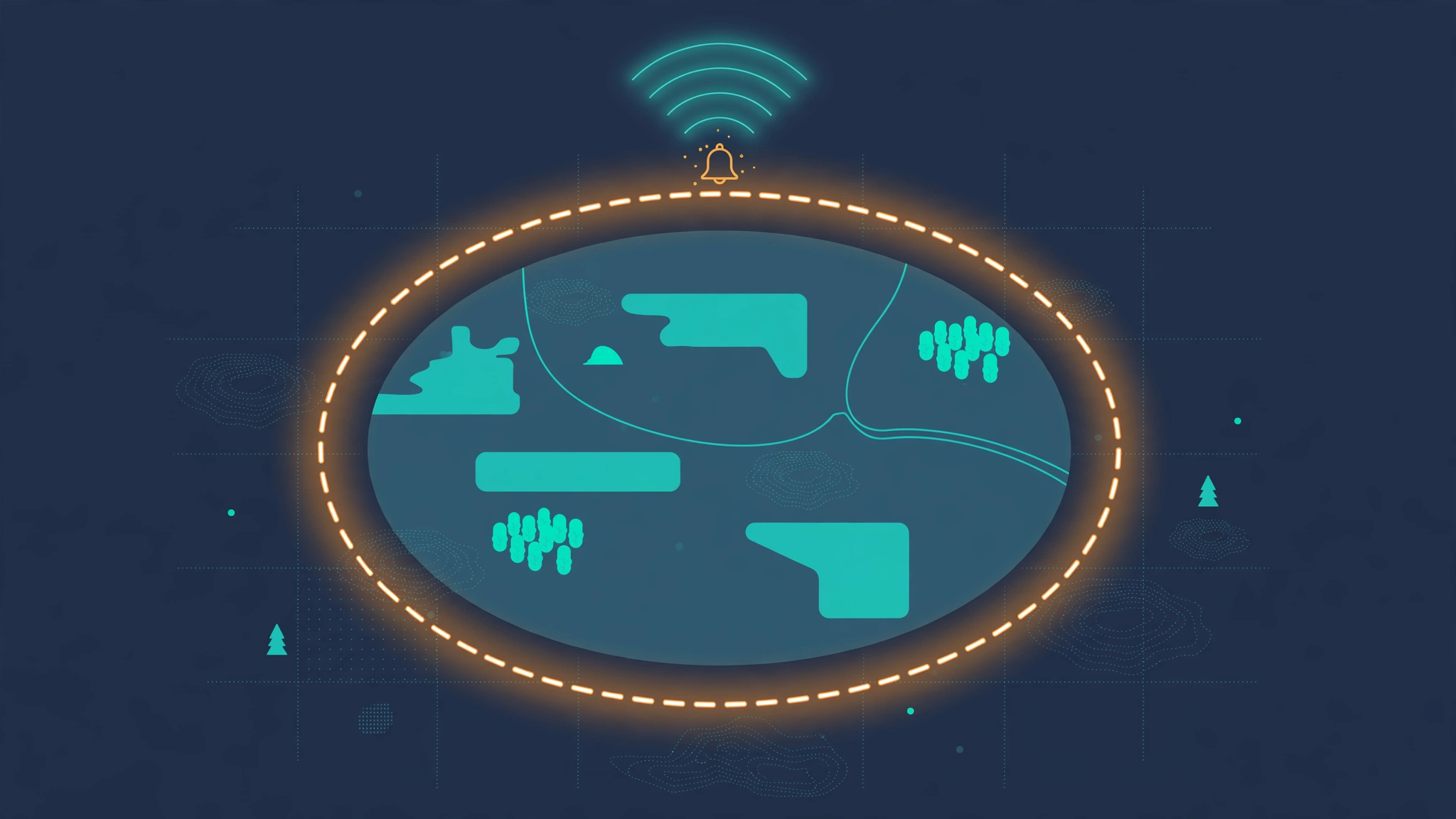
    Geofencing is a virtual boundary drawn on a map. When your phone crosses it, an app can send an alert, start an action, or log the event.

    You already use geofencing every day. Reminders that pop up when you reach the store and “your driver has arrived” notifications both rely on it. In this guide, you will learn what geofencing is, how it works, and what it means for your privacy.

    What is geofencing?

    A geofence is an invisible fence around a real place. It can be a circle around your home, a shape drawn around an airport, or a corridor along a delivery route.

    The system watches your phone’s location in the background. When you enter the fence, leave it, or spend time inside it, the app triggers a rule that was set earlier.

    The word combines “geo” (earth) with “fence”. Unlike a real fence, nobody can see it. It exists only as coordinates stored in an app or a server.

    Geofences come in three trigger types. An entry trigger fires when you arrive. An exit trigger fires when you leave. A dwell trigger fires when you stay inside for a set time, like ten minutes.

    How geofencing works, step by step

    Behind the scenes, geofencing is a simple loop:

    1. Someone draws the fence. A developer defines it in an app, or you create one yourself in a reminders or smart home app.
    2. Your phone checks its position. It uses GPS outdoors and Wi-Fi or cell towers indoors, just like any location feature.
    3. The system compares your position to the fence. This check runs on your phone’s operating system, which is efficient with battery.
    4. Crossing the boundary triggers the rule. The app sends a notification, starts an automation, or records the event.

    Modern phones handle this at the operating system level. iOS and Android both offer built-in geofencing APIs, so apps do not need to drain your battery with constant GPS polling. The OS wakes the app only when a boundary is crossed.

    Accuracy matters here. A geofence smaller than your phone’s location error will trigger at the wrong times. That is why most consumer geofences are at least 100 meters wide. For background on accuracy, see our guide on how accurate phone GPS is.

    Everyday examples of location-based alerts

    Geofencing is already woven into apps you use:

    • Reminders: “Remind me to buy milk when I arrive at the store.” Both iPhone Reminders and Google Keep support this.
    • Ride apps: “Your driver has arrived” fires when the car enters a geofence around your pickup point.
    • Smart home: lights turn on, the thermostat adjusts, or the door unlocks when your phone enters your home geofence.
    • Retail offers: some shopping apps send coupons when you walk near or into a store.
    • Parental alerts: parents get notified when a child’s phone arrives at school or leaves home.
    • Workplace tools: time-tracking apps can clock you in when you enter the office geofence.
    • Travel: airline apps send gate and baggage alerts when you enter the airport geofence.

    Notice the pattern. Each example pairs a place with an action, and the phone handles the “when” automatically.

    Geofencing for business

    Businesses were early adopters of geofencing, and they still drive most of its growth.

    In marketing, a store can send a discount to app users who walk within a few hundred meters. The industry calls this geotargeting when it is about ads and geofencing when it is about the boundary itself.

    In logistics, delivery companies draw geofences around depots and customer addresses. Dispatchers see arrivals and departures in real time without calling drivers.

    In workforce management, field teams clock in automatically at job sites. This cuts timesheet fraud and paperwork at once.

    The common thread is automation. A geofence turns “where is someone” into “do this when they get there”, with no human in the loop.

    Geofencing vs geotargeting vs beacons

    Three related terms get mixed up often. Here is how they differ.

    Geofencing is the virtual boundary itself and the enter/exit trigger. It answers “when does someone cross this line”.

    Geotargeting is about content, not boundaries. It means showing different content based on where someone is right now, like local news or nearby store results. A geotargeted ad may use a geofence, but it does not have to.

    Beacons are small Bluetooth devices placed in physical spots, like a shelf in a store. They detect phones within a few meters, far more precise than GPS. A museum might use beacons to trigger audio guides at each exhibit.

    Think of it this way: geofencing draws the line, geotargeting chooses the message, and beacons pinpoint the shelf. Many retail apps combine all three.

    Want to test the underlying positioning yourself? Open LocationMe and compare your GPS coordinates with your IP-based location. The gap between them is exactly why geofences need a sensible minimum size.

    Geofence privacy: what to know

    Geofencing only works if an app knows where you are, often in the background. That deserves a careful look:

    • Grant location access only to apps you trust. If an app has no good reason to know your location, deny it.
    • Prefer “While Using the App”. On both iPhone and Android, you can limit most apps to foreground-only location. Only navigation, reminders, and smart home apps truly need background access.
    • Watch the indicators. iPhone shows an arrow in the status bar when location is in use. Android shows a location icon in quick settings. If an arrow appears for no clear reason, investigate.
    • Review app permissions regularly. On iPhone: Settings, Privacy and Security, Location Services. On Android: Settings, Location, App location permissions. Revoke anything you no longer use.
    • Read the privacy policy of apps that track you in the background. Check whether they sell location data or only use it on your device.
    • Turn off background location for retail and social apps if you only want their geofence features occasionally.

    The good news: on modern phones, you are in control. Both major platforms now require apps to justify background location, and both let you grant one-time access that expires when you close the app.

    Frequently asked questions

    What is geofencing in simple words?
    Geofencing is a virtual boundary on a map. When your phone enters or leaves it, an app can send an alert or trigger an action automatically.

    How does geofencing work on phones?
    An app defines a boundary as coordinates. Your phone’s operating system watches your position with GPS, Wi-Fi, or cell towers, and wakes the app when you cross the boundary.

    What are location-based alerts?
    They are notifications triggered by your position instead of by time. Examples include arrival reminders, “driver nearby” messages, and smart home automations.

    Is geofencing a privacy risk?
    It can be, because it needs background location access. Reduce the risk by granting location only to trusted apps, using “While Using the App” where possible, and reviewing permissions regularly.

    Can I set up a geofence myself?
    Yes. iPhone Reminders and Google Keep let you attach a location to any reminder. Smart home apps like Apple Home and Google Home let you trigger automations when you arrive or leave home.

    Curious how your phone knows where you are in the first place? Read how accurate phone GPS is, or check your own position right now on LocationMe.

    ← Back to Blog