 LocationMe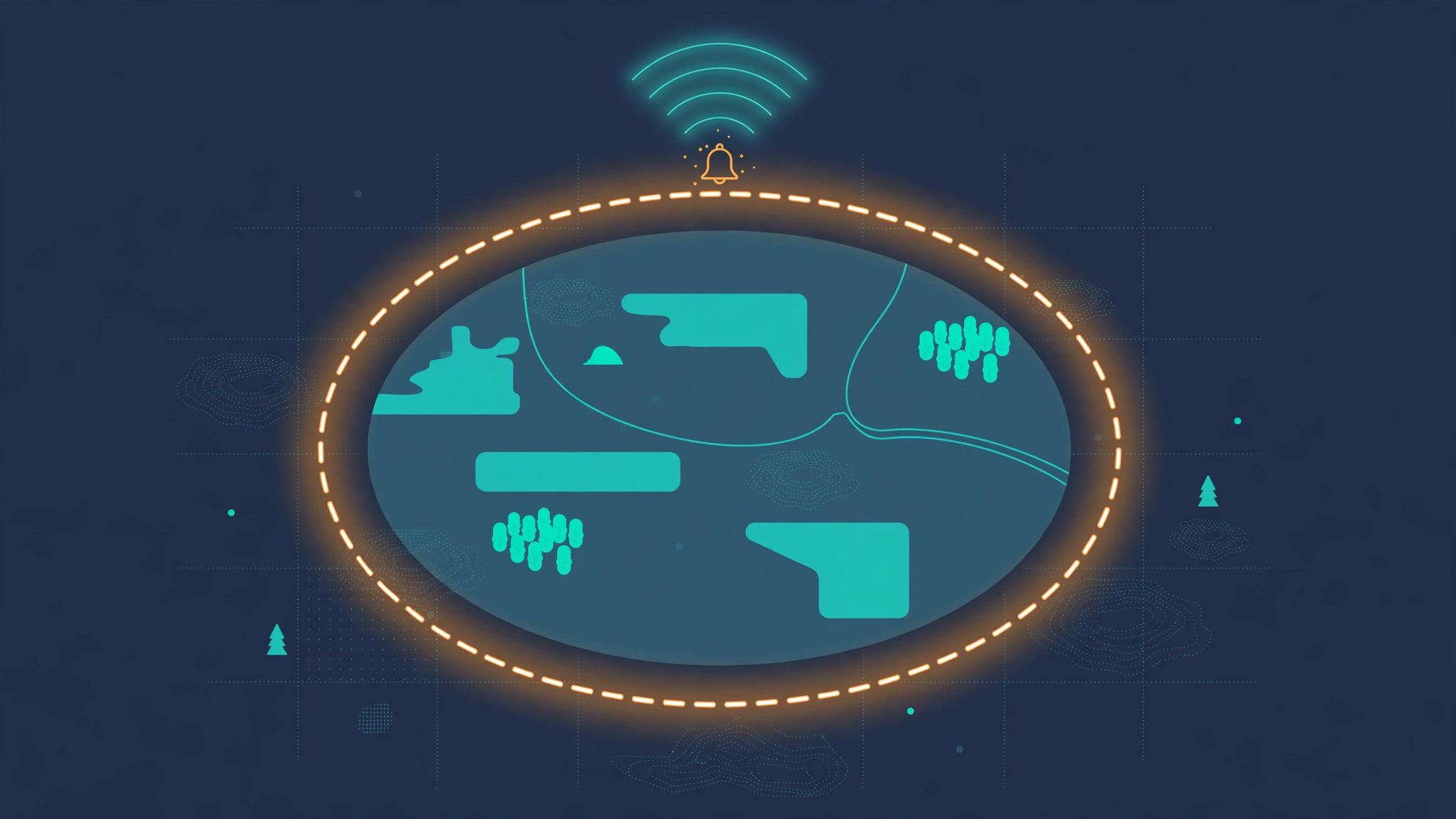
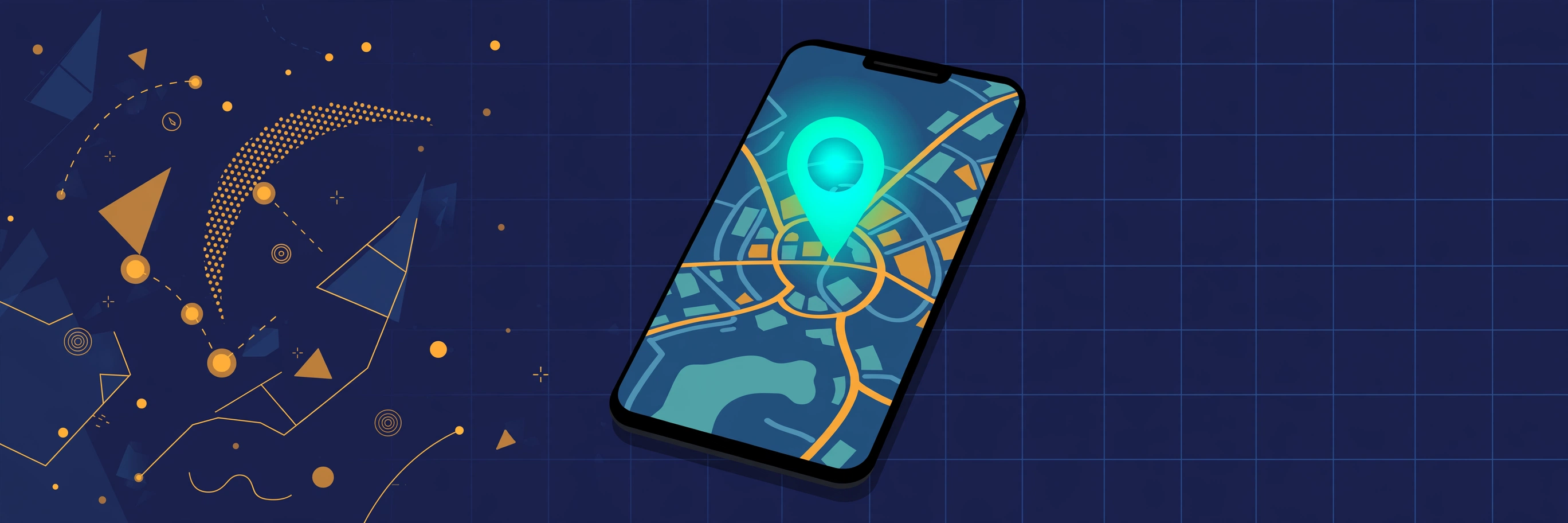
Geofencing is a virtual boundary drawn on a map. When your phone crosses it, an app can send an alert, start an action, or log the event.
You already use geofencing every day. Reminders that pop up when you reach the store and "your driver has arrived" notifications both rely on it. In this guide, you will learn what geofencing is, how it works, and what it means for your privacy.
What is geofencing?
A geofence is an invisible fence around a real place. It can be a circle around your home, a shape drawn around an airport, or a corridor along a delivery route.
The system watches your phone's location in the background. When you enter the fence, leave it, or spend time inside it, the app triggers a rule that was set earlier.
The word combines "geo" (earth) with "fence". Unlike a real fence, nobody can see it. It exists only as coordinates stored in an app or a server.
Geofences come in three trigger types. An entry trigger fires when you arrive. An exit trigger fires when you leave. A dwell trigger fires when you stay inside for a set time, like ten minutes.
How geofencing works, step by step
Behind the scenes, geofencing is a simple loop:
- Someone draws the fence. A developer defines it in an app, or you create one yourself in a reminders or smart home app.
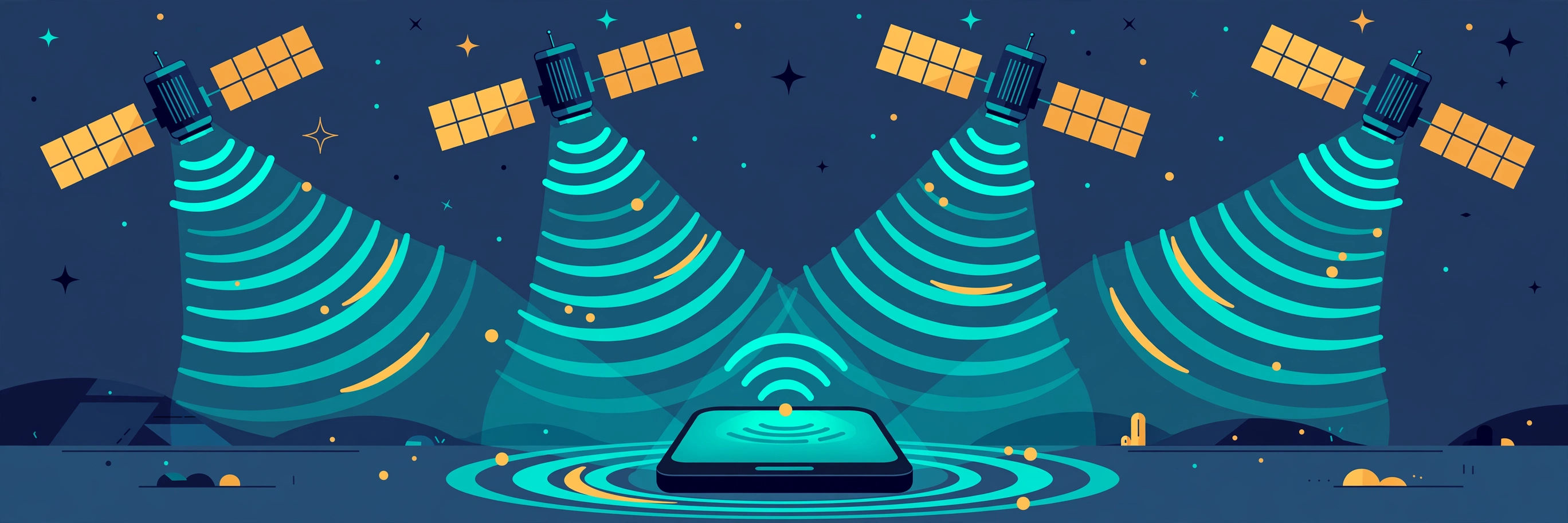
- Your phone checks its position. It uses GPS outdoors and Wi-Fi or cell towers indoors, just like any location feature.
- The system compares your position to the fence. This check runs on your phone's operating system, which is efficient with battery.
- Crossing the boundary triggers the rule. The app sends a notification, starts an automation, or records the event.
Modern phones handle this at the operating system level. iOS and Android both offer built-in geofencing APIs, so apps do not need to drain your battery with constant GPS polling. The OS wakes the app only when a boundary is crossed.
Accuracy matters here. A geofence smaller than your phone's location error will trigger at the wrong times. That is why most consumer geofences are at least 100 meters wide. For background on accuracy, see our guide on how accurate phone GPS is.
Everyday examples of location-based alerts
Geofencing is already woven into apps you use:
- Reminders: "Remind me to buy milk when I arrive at the store." Both iPhone Reminders and Google Keep support this.
- Ride apps: "Your driver has arrived" fires when the car enters a geofence around your pickup point.
- Smart home: lights turn on, the thermostat adjusts, or the door unlocks when your phone enters your home geofence.
- Retail offers: some shopping apps send coupons when you walk near or into a store.
- Parental alerts: parents get notified when a child's phone arrives at school or leaves home.
- Workplace tools: time-tracking apps can clock you in when you enter the office geofence.
- Travel: airline apps send gate and baggage alerts when you enter the airport geofence.
Notice the pattern. Each example pairs a place with an action, and the phone handles the "when" automatically.
Geofencing for business
Businesses were early adopters of geofencing, and they still drive most of its growth.
In marketing, a store can send a discount to app users who walk within a few hundred meters. The industry calls this geotargeting when it is about ads and geofencing when it is about the boundary itself.
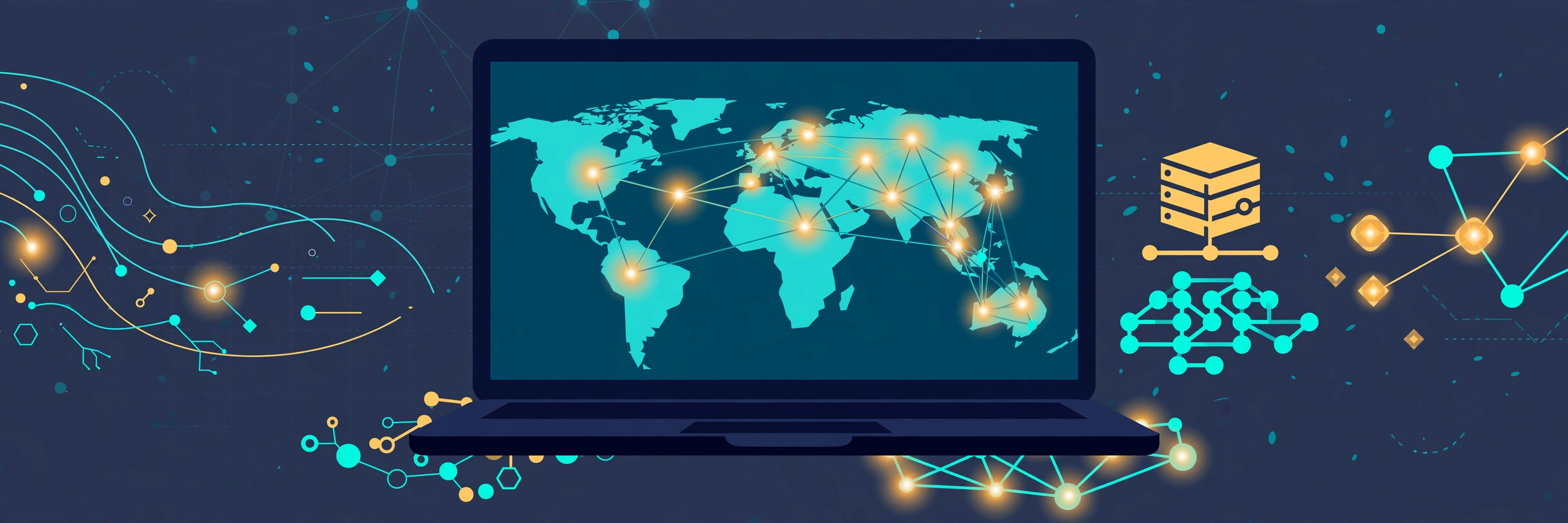
In logistics, delivery companies draw geofences around depots and customer addresses. Dispatchers see arrivals and departures in real time without calling drivers.
In workforce management, field teams clock in automatically at job sites. This cuts timesheet fraud and paperwork at once.
The common thread is automation. A geofence turns "where is someone" into "do this when they get there", with no human in the loop.
Geofencing vs geotargeting vs beacons
Three related terms get mixed up often. Here is how they differ.
Geofencing is the virtual boundary itself and the enter/exit trigger. It answers "when does someone cross this line".
Geotargeting is about content, not boundaries. It means showing different content based on where someone is right now, like local news or nearby store results. A geotargeted ad may use a geofence, but it does not have to.
Beacons are small Bluetooth devices placed in physical spots, like a shelf in a store. They detect phones within a few meters, far more precise than GPS. A museum might use beacons to trigger audio guides at each exhibit.
Think of it this way: geofencing draws the line, geotargeting chooses the message, and beacons pinpoint the shelf. Many retail apps combine all three.
Want to test the underlying positioning yourself? Open LocationMe and compare your GPS coordinates with your IP-based location. The gap between them is exactly why geofences need a sensible minimum size.
Geofence privacy: what to know
Geofencing only works if an app knows where you are, often in the background. That deserves a careful look:
- Grant location access only to apps you trust. If an app has no good reason to know your location, deny it.
- Prefer "While Using the App". On both iPhone and Android, you can limit most apps to foreground-only location. Only navigation, reminders, and smart home apps truly need background access.
- Watch the indicators. iPhone shows an arrow in the status bar when location is in use. Android shows a location icon in quick settings. If an arrow appears for no clear reason, investigate.
- Review app permissions regularly. On iPhone: Settings, Privacy and Security, Location Services. On Android: Settings, Location, App location permissions. Revoke anything you no longer use.
- Read the privacy policy of apps that track you in the background. Check whether they sell location data or only use it on your device.
- Turn off background location for retail and social apps if you only want their geofence features occasionally.
The good news: on modern phones, you are in control. Both major platforms now require apps to justify background location, and both let you grant one-time access that expires when you close the app.
Frequently asked questions
What is geofencing in simple words?
Geofencing is a virtual boundary on a map. When your phone enters or leaves it, an app can send an alert or trigger an action automatically.
How does geofencing work on phones?
An app defines a boundary as coordinates. Your phone's operating system watches your position with GPS, Wi-Fi, or cell towers, and wakes the app when you cross the boundary.
What are location-based alerts?
They are notifications triggered by your position instead of by time. Examples include arrival reminders, "driver nearby" messages, and smart home automations.
Is geofencing a privacy risk?
It can be, because it needs background location access. Reduce the risk by granting location only to trusted apps, using "While Using the App" where possible, and reviewing permissions regularly.
Can I set up a geofence myself?
Yes. iPhone Reminders and Google Keep let you attach a location to any reminder. Smart home apps like Apple Home and Google Home let you trigger automations when you arrive or leave home.
Curious how your phone knows where you are in the first place? Read how accurate phone GPS is, or check your own position right now on LocationMe.