 LocationMe

What is my location IP, and what does it reveal about me? Your IP address location is the approximate place the internet thinks you are. It comes from your IP address, which your internet provider assigns to your connection.
It is not the same as your GPS location. GPS can find your exact street, while IP location usually only names your city. In this guide, you will learn how to check your IP location. You will also see how the technology works, and how accurate it really is.
What is an IP address location?
Every device on the internet has an IP address. It is a string of numbers, like 192.0.2.44, that identifies your connection. Your internet provider gives you this address when you go online.
An IP address location is the geographic place linked to that address. Special databases map blocks of IP addresses to cities, regions, and countries. When a website looks up your IP, it gets this stored location back.
Your IP location typically reveals your city, region, country, time zone, and internet provider. It does not reveal your name, your street address, or your exact house. Those details are never part of an IP lookup.
Think of it as a postal sorting office, not your mailbox. It tells websites roughly where your connection enters the internet, not where you are sitting.
There are two formats in use today. The older IPv4 format looks like 192.0.2.44. The newer IPv6 format is longer, like 2001:db8::1. Both work the same way for location lookups.
Where is my location IP? How to check it
Checking your IP location takes seconds and needs no permission. Unlike GPS, websites can see your IP address automatically whenever you visit them.
- Open LocationMe in any browser.
- Tap Use IP Location.
- You instantly see your IP address, city, region, country, time zone, and ISP.
No app is installed and no account is needed. The lookup runs in your browser, and nothing about you is stored anywhere.
You can also type “what is my ip” into Google to see your bare IP address. But search results show far less detail than a dedicated tool, and they rarely explain what the location means.
How IP geolocation works
IP geolocation sounds complex, but the idea is simple. It is a giant address book that pairs IP ranges with places.
Here is what happens behind the scenes. Internet providers receive large blocks of IP addresses from regional registries. These registries record which provider owns each block and roughly where that provider operates.
Geolocation companies collect this registry data and improve it. They scan the internet, buy data from providers, and watch where IP addresses actually appear. All of this goes into databases that map an IP address to a city or region.
When you visit a website, the site sends your IP address to one of these databases. The database returns the stored location in a fraction of a second. That is the entire process.
Many industries rely on this lookup. Advertisers use it to show local ads. Streaming services use it to pick your country library. Banks use it to flag logins from unusual places.
The weak link is freshness. Providers reassign IP blocks all the time, and databases update at different speeds. An outdated entry is the most common reason an IP location looks wrong.
How accurate is IP geolocation?
IP geolocation is the least precise way to locate a device. It is useful for choosing your language or currency, but not for navigation. This table compares the common methods:
| Method | Typical accuracy | Needs your permission |
|---|---|---|
| GPS | 5 to 10 meters | Yes |
| Wi-Fi positioning | 20 to 50 meters | Yes |
| Cell towers | 100 meters to a few kilometers | Yes |
| IP address | City level, often off by 50 to 200 km | No |
On a home broadband connection, IP location often names the right city. The database knows where your provider’s local equipment sits, which is usually near you.
On mobile data, accuracy drops sharply. Your phone’s traffic may exit the internet through a gateway in another city. In that case your IP location can be hundreds of kilometers from where you stand.
Country-level detection is the most reliable part. City-level results are a rough guess. Anything more precise than a city from an IP address alone should not be trusted.
Why your IP location looks wrong
If the city on your screen is not your city, one of these is usually the cause:
- You are using a VPN. A VPN routes your traffic through a server in another place. Websites then see the server’s location, not yours.
- Your provider routes traffic far away. Some internet providers send all customer traffic through one central hub, even for users in other cities.
- You are on mobile data. Carriers use a small number of internet gateways. Your traffic may surface in a city far from you.
- You are on a work or school network. Corporate networks often exit through headquarters, so everyone appears to be in the same city.
- The database is outdated. Your provider may have moved that IP block recently, and the lookup database has not caught up yet.
None of these mean your device is broken. They are normal quirks of how internet routing works. For your true position, always use GPS instead of IP.
IP location vs GPS location
IP location and GPS location answer different questions. IP location asks where your internet connection comes from. GPS asks where your device is right now.
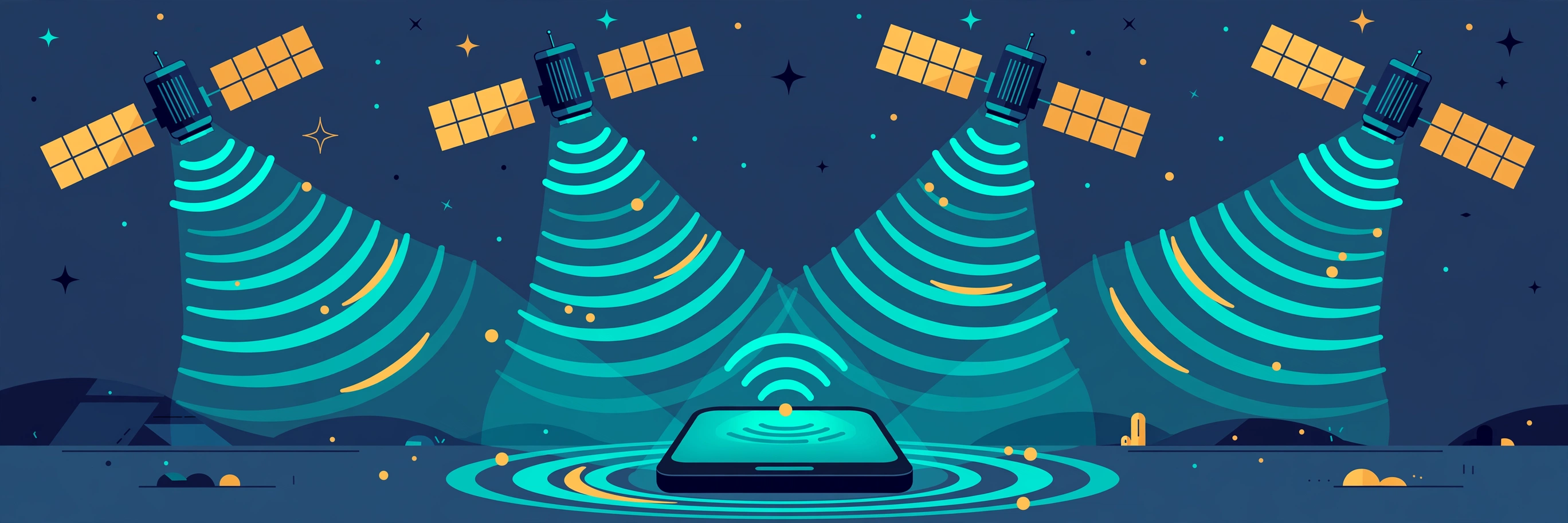
GPS uses satellites to measure your exact position. It is accurate to a few meters outdoors, but it needs your permission and a clear view of the sky. IP location needs no permission at all, which is why every website can see it.
Use IP location when you want a quick, rough answer with zero setup. Streaming sites use it to pick your country. Shops use it to show prices in your currency. It is convenient, not precise.
Use GPS when accuracy matters. Navigation, ride hailing, and delivery all need your real position. For exact coordinates, see our guide on how to find your current location.
Frequently asked questions
What is my location IP?
It is the approximate geographic location linked to your IP address. Open LocationMe and tap Use IP Location to see yours, including your city, country, and internet provider.
Where is my location IP?
Your IP location is usually your city or a nearby city. It reflects where your internet traffic enters the network, which is not always where you physically are.
How accurate is IP geolocation?
It is accurate at the country level and roughly right at the city level. Expect errors of 50 to 200 kilometers, especially on mobile data or behind a VPN.
Can someone find my home address from my IP?
No. An IP address does not contain your name or street address. Only your internet provider can link an IP to a subscriber, and it shares that only with legal authorities.
Should I hide my IP location?
Only if you have a reason to. A VPN hides it easily, but it also slows your connection and can break local services. For everyday browsing, your IP location is harmless.